For medical billers and revenue cycle staff
July 1 through July 31
is 31 units.
Not 30.
Unit Match is a medical billing authorization calculator. Enter the dates of service on a daily-rate authorization and it counts the covered days, then checks that count against the units the payer approved.
A daily-rate authorization covers the first date of service, the last date of service, and every day in between. Subtracting one date from the other drops the first day.
That one unit is a day of care that goes unpaid, on every affected claim. Unit Match does the inclusive count, checks it against the units approved, and shows the work.
- Works offline
- No account
- No PHI collected
The dates of service authorized, July 1, 2026 through July 31, 2026, comprise 31 covered days. The authorization reflects 30 units. One covered day falls beyond the units approved.
- Dates of service
- 07/01 – 07/31/2026
- Units authorized
- 30
July 2026
The one-unit gap
Two ways to count a span. One of them bills short.
Both methods look reasonable on a spreadsheet, and only one of them matches what the authorization actually covers.
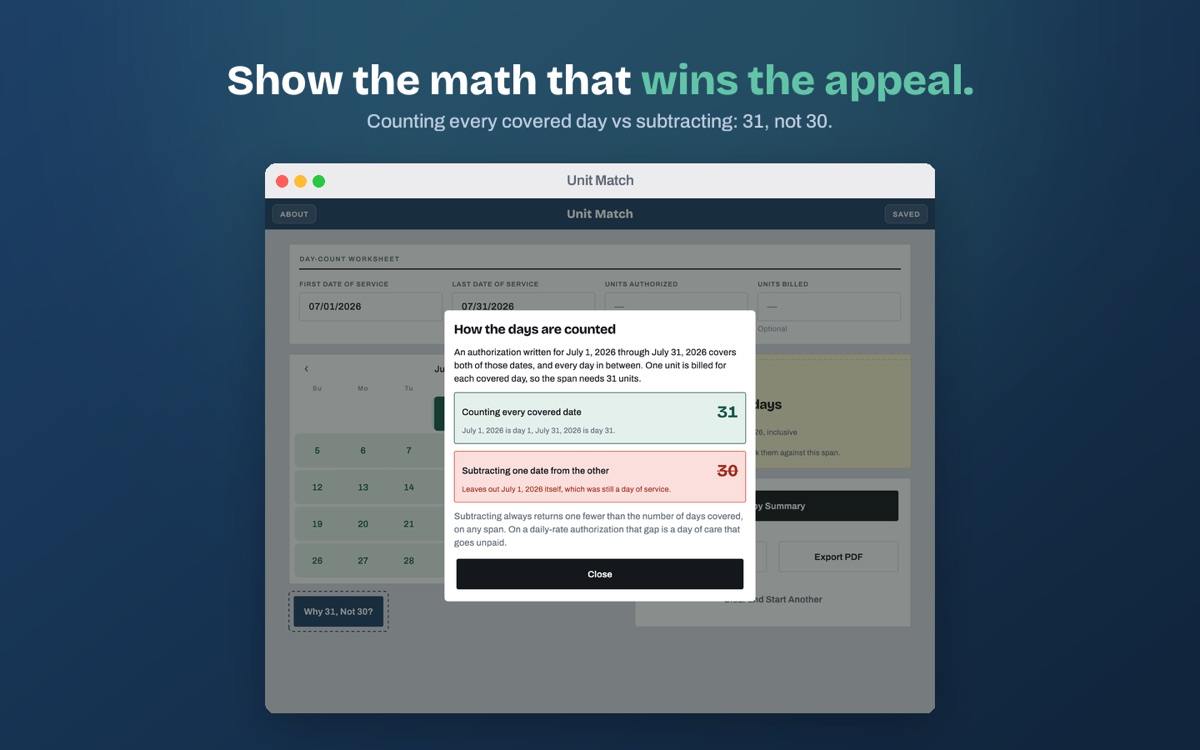
Counting every covered date
31July 1 is day 1. July 31 is day 31. Every date on the authorization is a day of care, and a daily rate bills one unit for each.
Subtracting one date from the other
30Leaves out July 1 itself. Subtraction returns the nights between two dates, which is always one fewer than the days covered.
The gap is one unit on every span, regardless of length. At a $600 per diem, a biller working forty of these authorizations a month is looking at $24,000 a month that was authorized, delivered, and never billed.
What it does
Enter two dates. Get the count, the variance, and the wording.
The day count is the product, and it stands on its own. Units are a follow-up question, and optional: leave the field empty and you simply get the number of days.
-
01
The inclusive day count
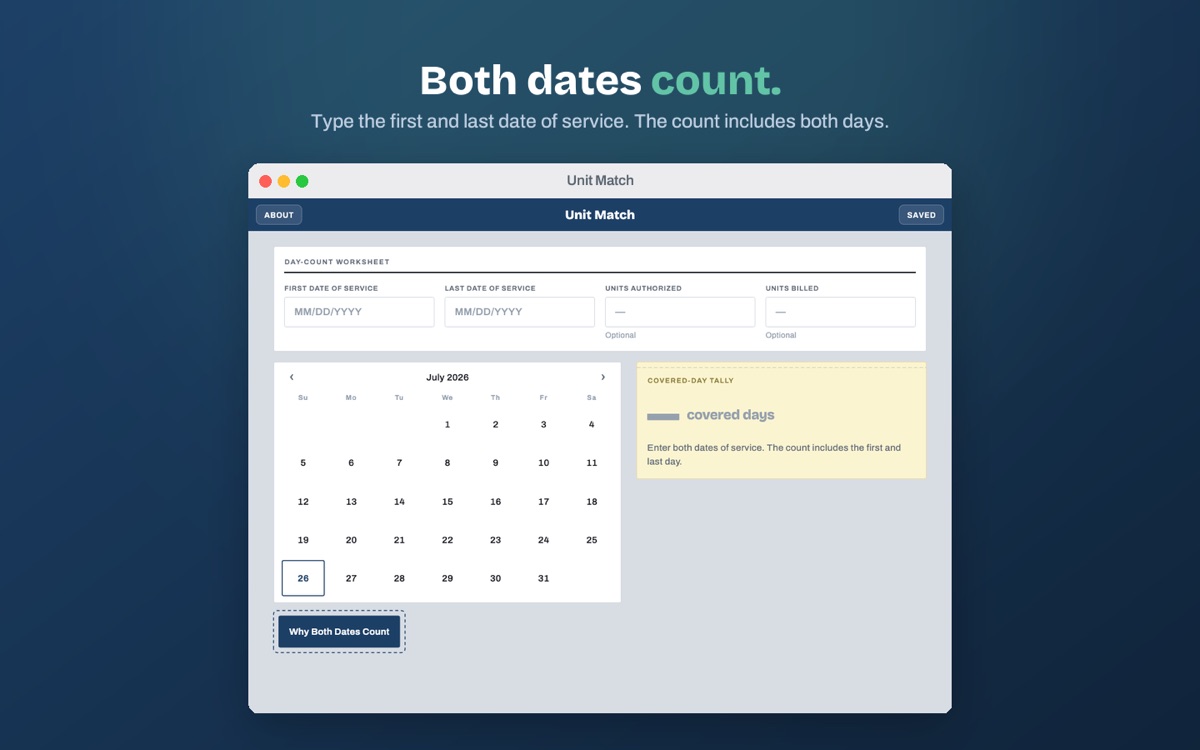
Type the first and last date of service, or pick them on the calendar. The covered day count appears as you type, with both endpoints counted.
-
02
The variance against units approved
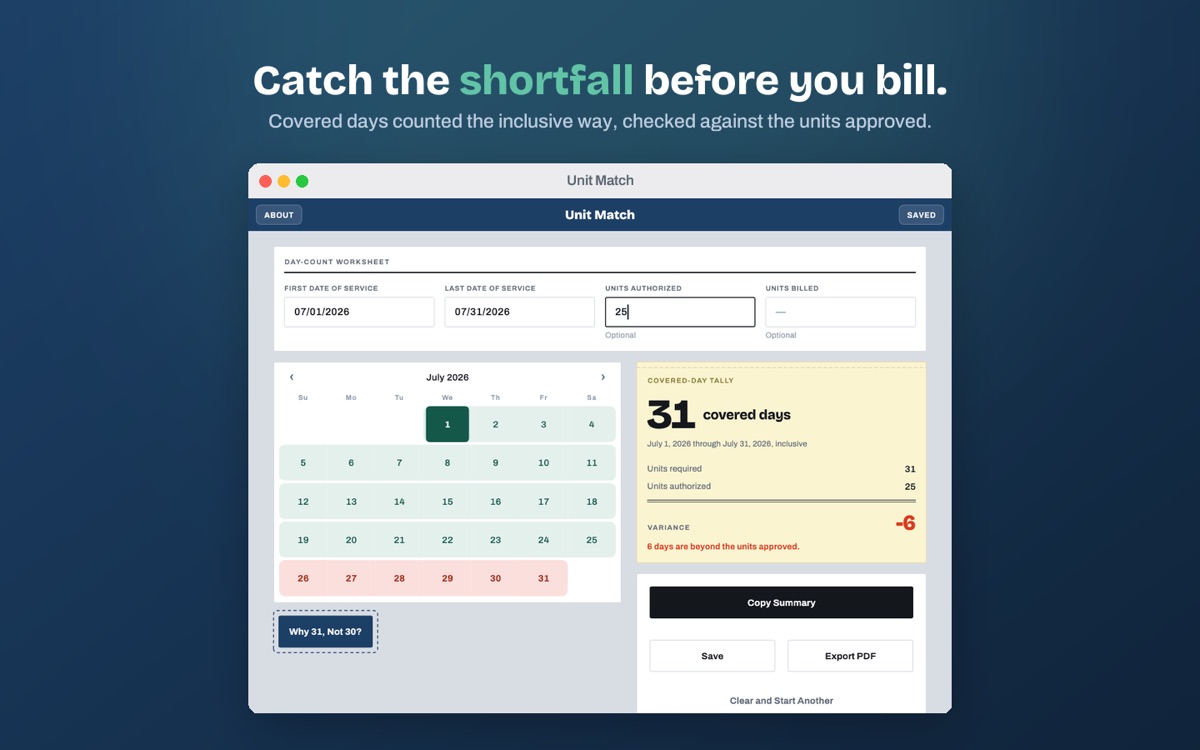
Add the units authorized and the app shows the exact difference, whether the span is short of the authorization or runs past it.
-
03
The span on a calendar
Every covered day is a cell you can count, and days past the units approved carry a perforated edge. The variance becomes a picture rather than a number.
-
04
A copyable appeal statement
Plain, unemotional wording you can paste into a payer portal, a claim note, or an appeal letter. Written to be read aloud on a call without editing.
-
05
A printable PDF
Export the count, the calendar, and the statement as a one-page PDF for the file or for the payer.
-
06
Saved counts
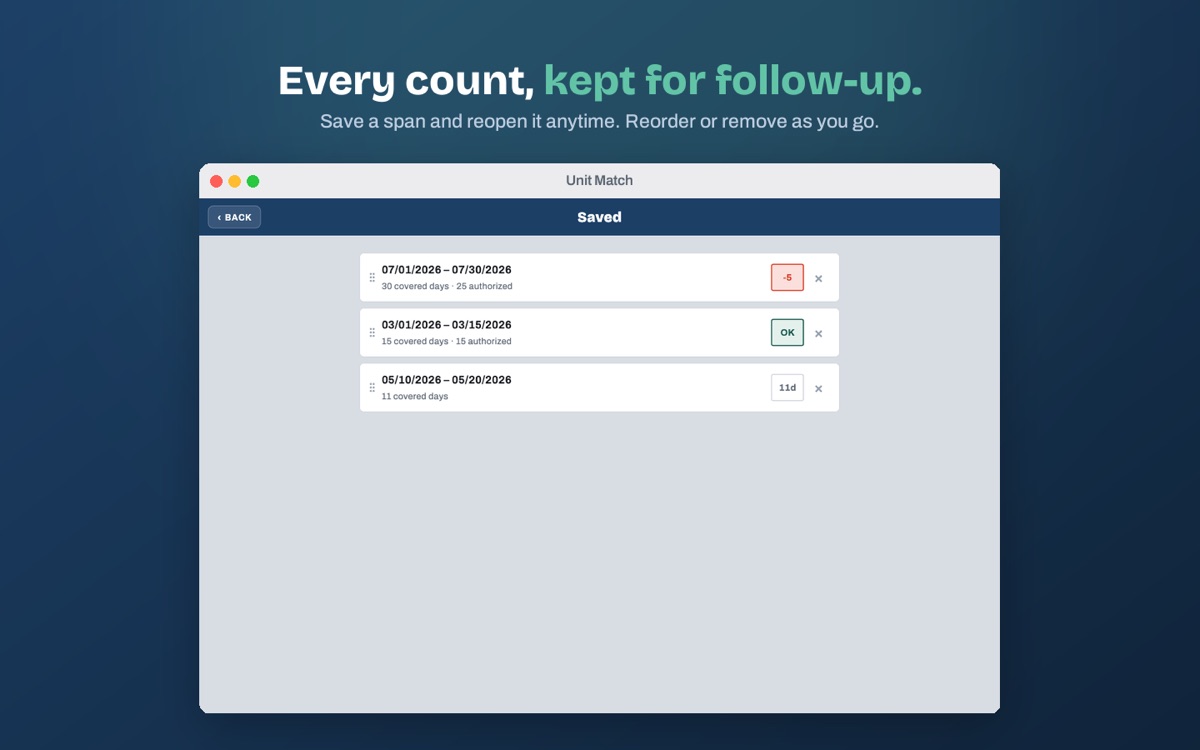
Keep a count to revisit on follow-up. Saved counts hold dates and unit numbers only, and stay on your device.
On the phone, and on the Mac
Built to answer one question fast
Two dates in, a number out. Most checks take a few seconds, which matters when it is the fortieth authorization of the day.
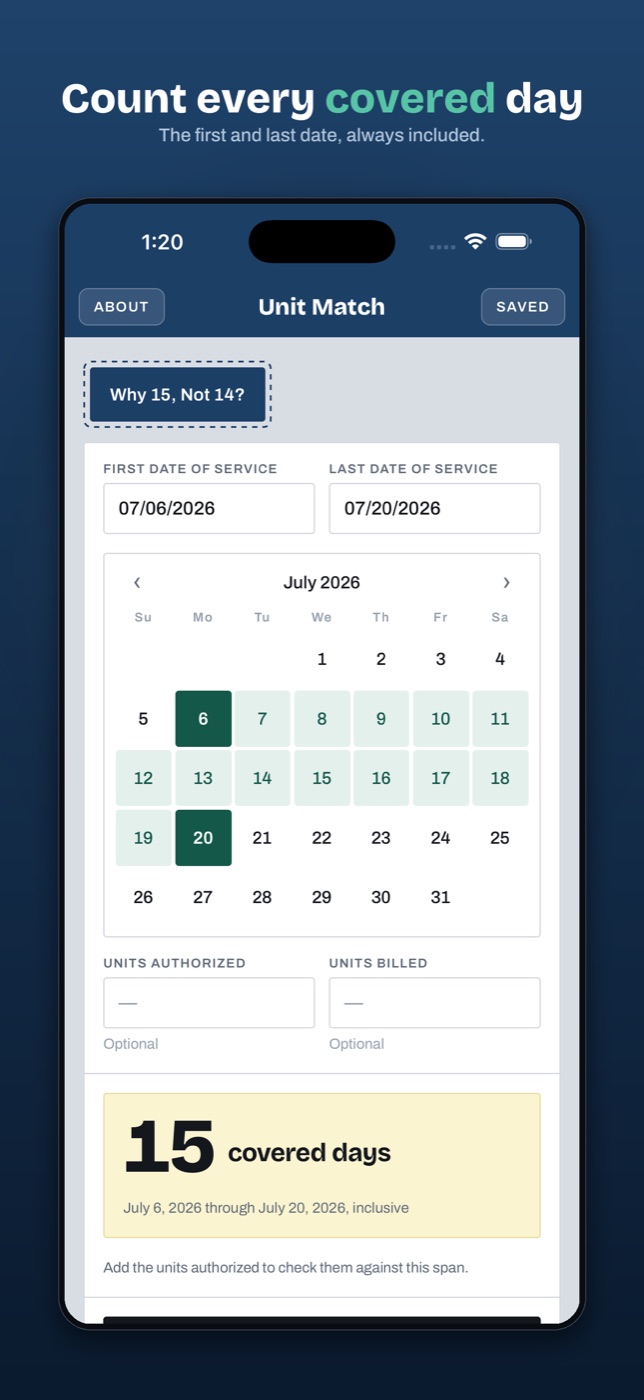
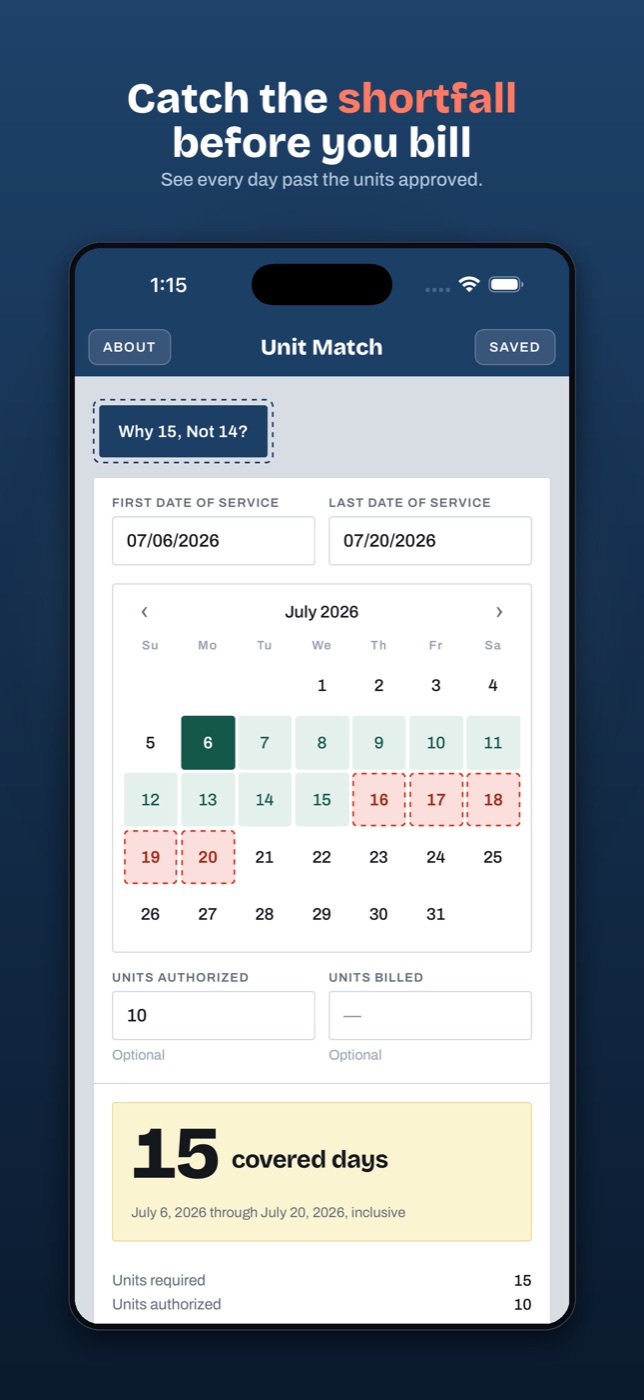
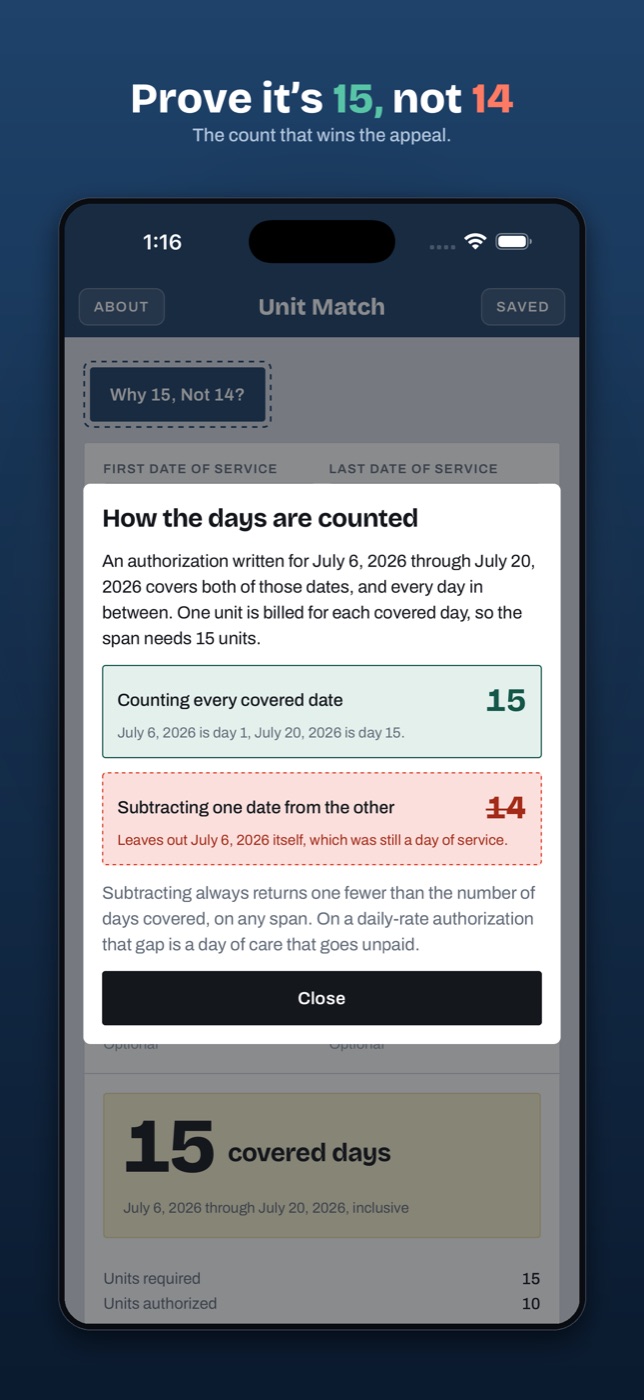
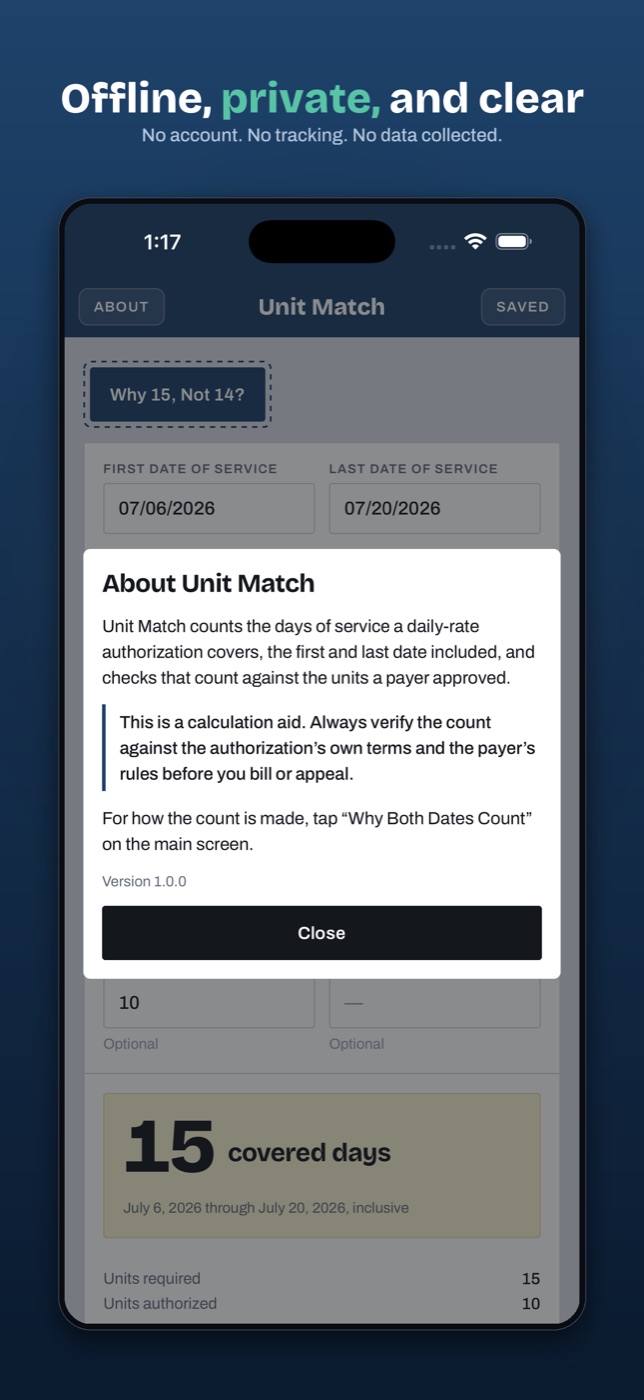
Data and privacy
A calendar question needs no one’s name.
There is no field for a patient, a payer, or an authorization number, and there never will be. That is a design constraint, not a default, and everything else follows from it.
No PHI, by construction
The only inputs are two dates and two optional integers. There is nowhere to type a patient name, so no one ever does.
No network calls
The app talks to no server, ours or anyone else’s. It runs the same on a plane as it does on the floor, and behind any firewall.
No account, no tracking
The app has no sign-in, no analytics, and no advertising SDKs. Saved counts live on your device and are gone when you remove it.
Questions billers ask
Frequently asked
How many units is July 1 through July 31?
31. An authorization written from the first through the last date of service covers both of those dates and every day in between. Subtracting one date from the other returns 30 and leaves out July 1, which was still a day of care.
Why does subtracting the dates give the wrong number?
Subtracting returns the number of nights between two dates, which is always one fewer than the number of days covered. On a per-diem authorization one unit is billed per covered day, so the subtraction is short by exactly one unit on every span, no matter how long the span is.
Does Unit Match store patient information?
No. There is no field for a patient, a payer, a member number, or an authorization number, so no protected health information is collected. Saved counts hold dates and unit numbers only and stay on your device.
Does it need an internet connection?
No. The app makes no network requests at all. It works on a plane, on a locked-down workstation, and behind any firewall.
Who is it for?
Medical billers, AR follow-up, and revenue cycle staff who work daily-rate authorizations. That includes residential, PHP, and IOP behavioral health, skilled nursing, inpatient rehab, and anywhere else a payer approves a number of per-diem units against a span of dates.
Is it a medical device?
No. Unit Match is a calculation aid. It performs calendar arithmetic and a comparison, offers no clinical guidance, and makes no medical claims.
What does it cost?
The current price is shown on the App Store, Google Play, and Microsoft Store listings. What does not change either way: there is no account to create and nothing to sign in to, because the app runs entirely on your device.

Unit Match
Out now on the App Store, Google Play, and the Microsoft Store.
Questions first? Email support@alohagems.llc →
Unit Match is a calculation aid. Always verify the count against the authorization’s own terms and the payer’s rules before you bill or appeal.